
What do the green LEDs or red LEDs mean?Updated 2 hours ago
The LEDs on your LuminAID light provide information about charging and battery level.
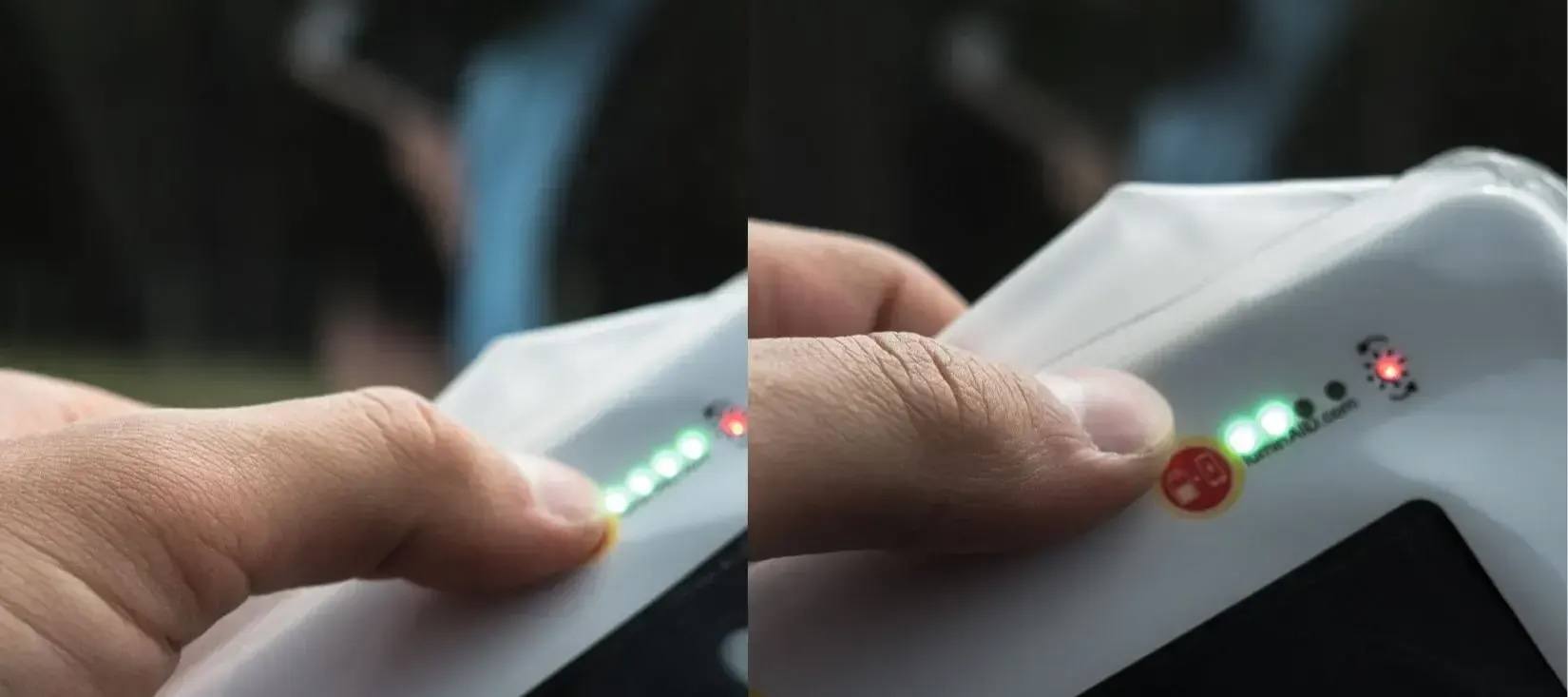
🔴 Red LED: Charging Indicator
The red LED indicates that your LuminAID is receiving light or power.
- When the solar panel is exposed to light, the red LED will turn on—even when the battery is already fully charged.
- When charging via micro-USB, the red LED will also illuminate to indicate that the light is receiving power.
- The red LED may glow even when the light is not in direct sunlight because the solar panel is highly sensitive to light.
- For the best solar charging performance, place your LuminAID outdoors in direct sunlight and away from shade. The red LED should appear brighter when the solar panel is receiving stronger sunlight.
- To test the solar charging indicator, cover the solar panel with your hand. The red LED should turn off when the panel is no longer exposed to light.
🟢 Green LEDs: Battery Level
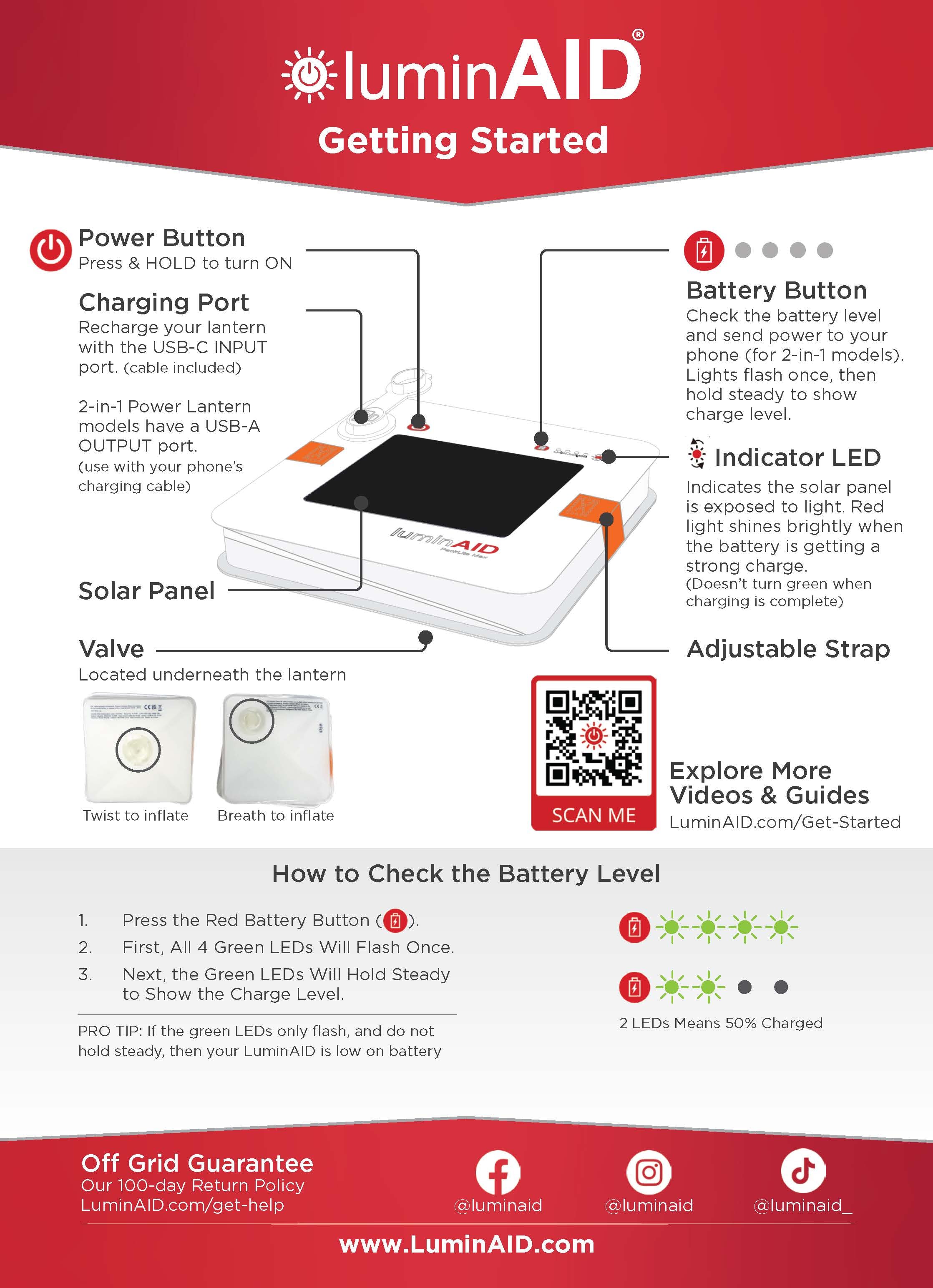
The green LEDs indicate your battery's charge level. Each of the four green LEDs represents approximately 20–25% of the battery charge.
- 1 green LED: Approximately 20–25% charged
- 2 green LEDs: Approximately 40–50% charged
- 3 green LEDs: Approximately 60–75% charged
- 4 green LEDs: Fully charged
When all 4 green LEDs remain illuminated, your LuminAID is fully charged.
For a quick visual reference, see the Getting Started Guide below.
Related Articles