How do I turn my light on and off?Updated 2 hours ago
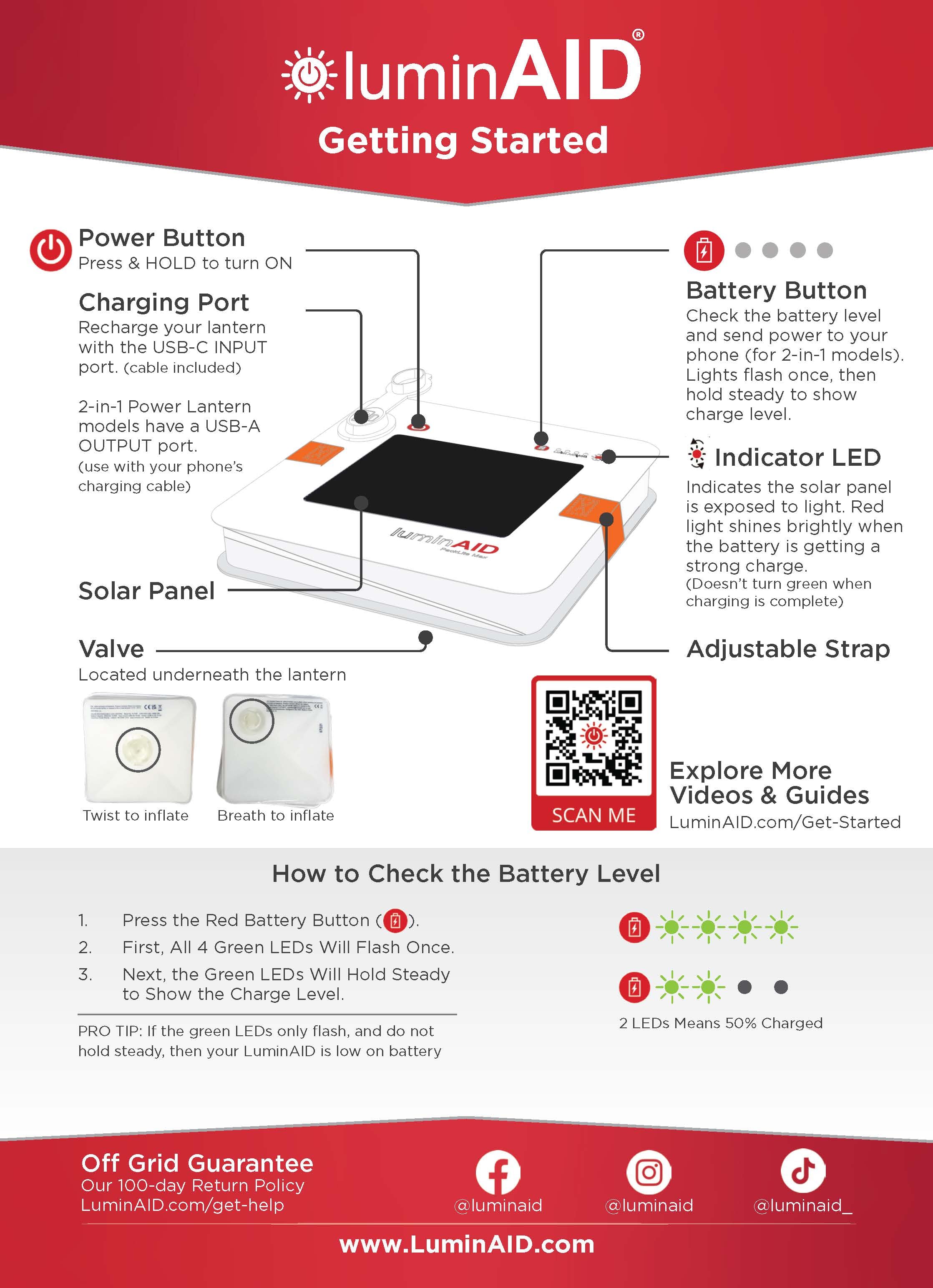
Each LuminAID light has a power button that controls the light and its brightness settings.
Press the power button firmly to:
- Turn the light ON
- Cycle through the available brightness settings
- Turn the light OFF
The power button is slightly recessed to help prevent the light from being turned on accidentally while stored or transported, which can help preserve battery life.
For a quick overview of how to operate your LuminAID light, see the Getting Started Guide below.